
HubSpot · Solution guide
HubSpot App Development: Custom Apps, App Cards, Custom Objects and the 2026 Developer Platform
Written scope and quote after the call. NDA on request. You own the code.
Quick answer
HubSpot app development in 2026 means building on HubSpot's projects-based developer platform: private or marketplace distribution, static or OAuth auth, app cards and UI extensions in React, serverless functions on Enterprise, custom objects, webhooks and the API within HubSpot's rate limits. Legacy private apps can no longer be created and classic CRM cards sunset on Oct 31, 2026. This page explains each building block, its limits and plan requirements, and how our in-house engineers scope a custom HubSpot app.
Builds like this
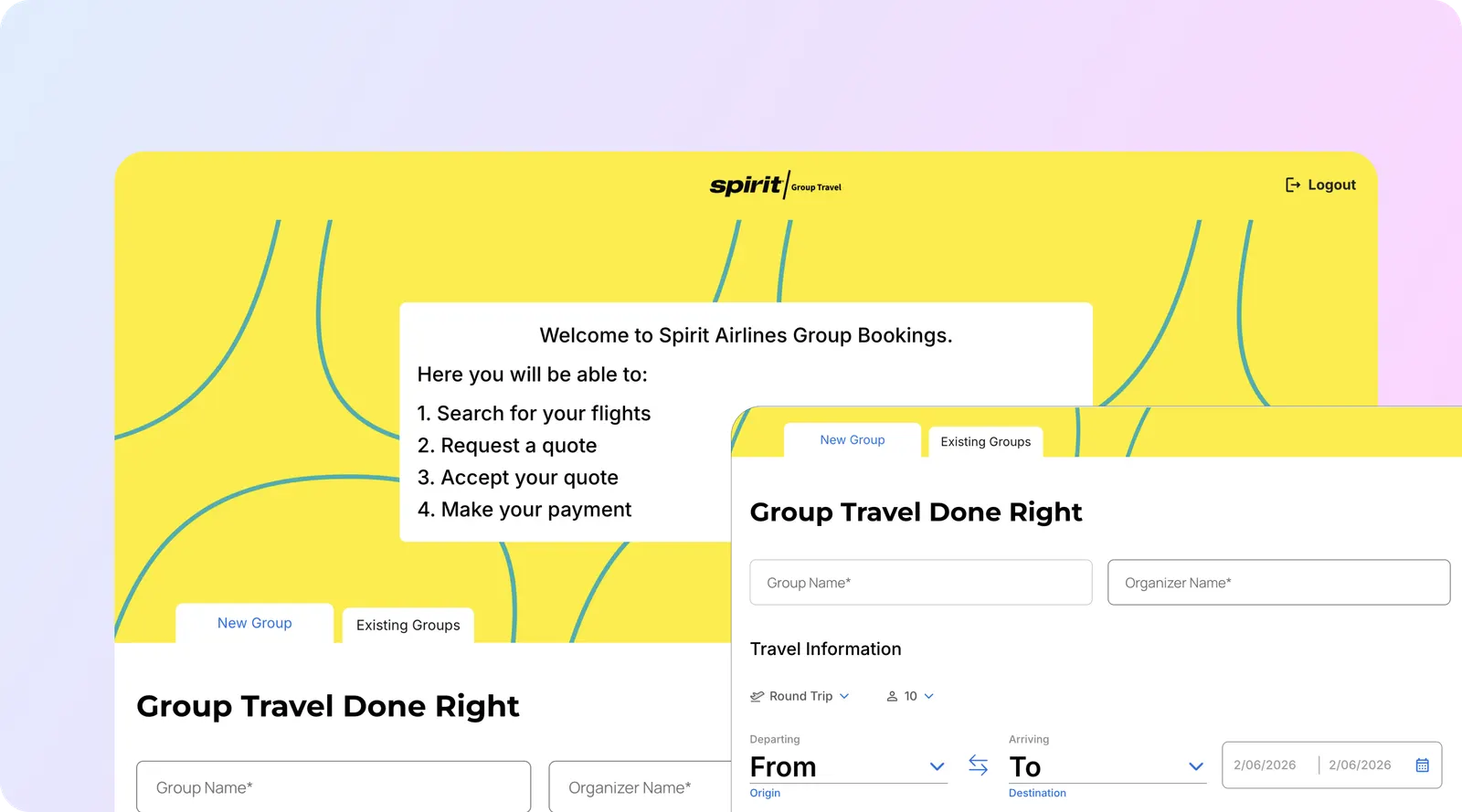
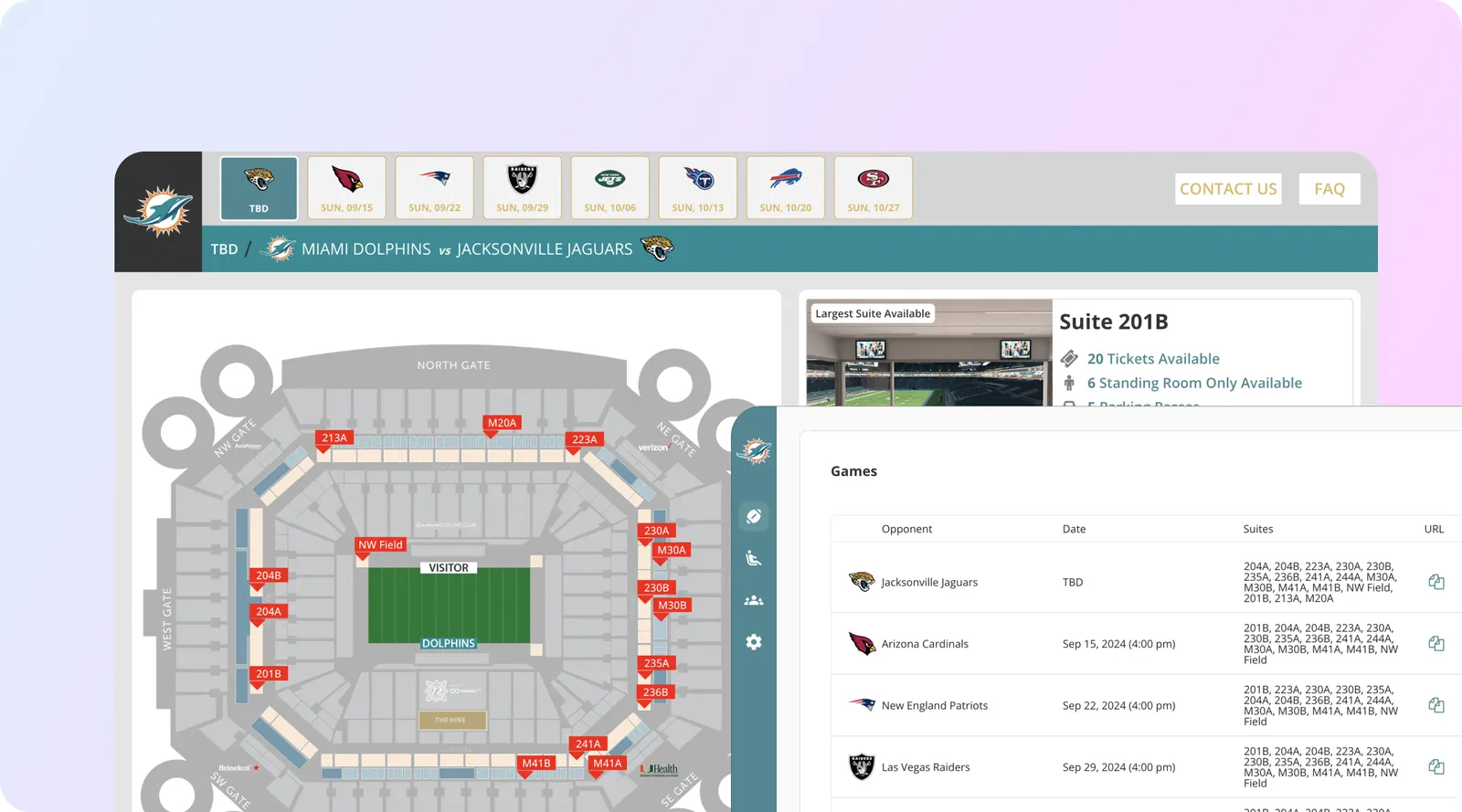
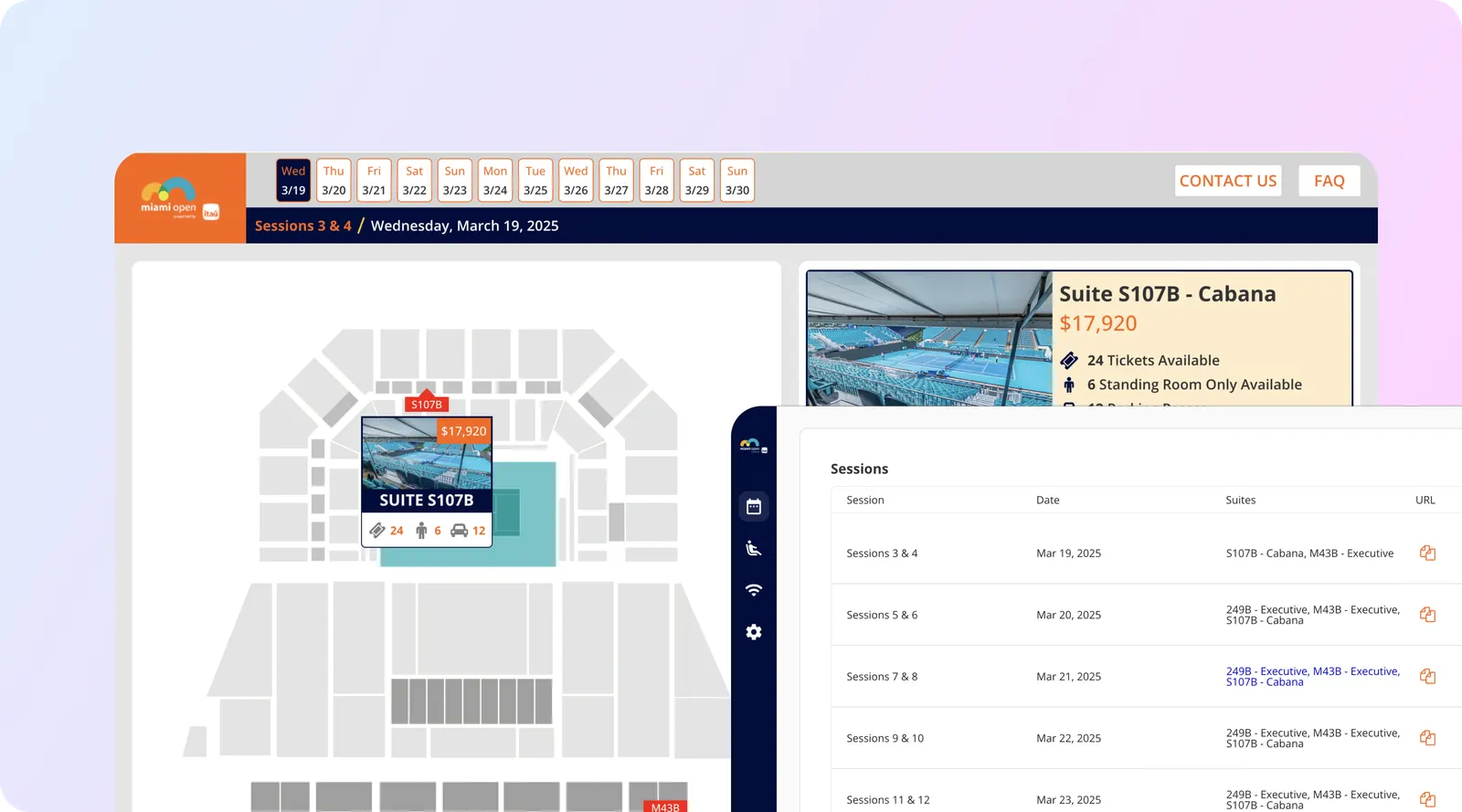
Part of the guide: HubSpot services
Key takeaways
- New HubSpot apps are built as projects on the developer platform (versions 2025.2, 2026.03 and 2026.09, the current one since Sep 8, 2026). Legacy private and public apps can no longer be created, and HubSpot says legacy apps and v1 to v3 APIs become unsupported in September 2027.
- An app is either privately distributed (static auth for one account, or OAuth for allowlisted accounts) or marketplace distributed, which requires OAuth. That choice decides which features you can use.
- App cards are React UI extensions that sit in the record middle column, sidebar, preview panel or help desk sidebar. Classic CRM cards had to move to app cards by Oct 31, 2026.
- Serverless functions returned in platform 2026.03, but installing an app that uses them needs an Enterprise subscription, they currently work only for private static-auth apps, and each run has a 15-second timeout.
- Private apps get 100 requests per 10 seconds on Free and Starter and 190 on Professional and Enterprise, with daily caps of 250,000 to 1,000,000 per account; a marketplace app gets 110 per 10 seconds per installing account (checked Oct 31, 2026).
HubSpot app development is building software that runs inside or alongside a HubSpot account: a card on the deal record that shows invoices from your billing system, a custom object for properties or policies, a settings page, a webhook listener that keeps another system in sync, or an agent tool. Every new HubSpot app is now built as a project on the developer platform with the HubSpot CLI (the projects model arrived in 2025, and legacy app creation closed in Sep and Oct 2026). Legacy private apps can no longer be created, and classic CRM cards had to be replaced by app cards by Oct 31, 2026. A typical first project for us is one app with one or two cards, a few API scopes and a sync with one outside system. This page covers the parts a HubSpot custom app is made of, what each needs in plan and limits, and how our in-house engineers scope one.
Sources: HubSpot developer docs, versioning, usage guidelines, serverless functions reference and the legacy APIs and apps changelog, all checked Oct 31, 2026.
What is HubSpot’s current developer platform?
It is a file-based build-and-deploy framework. An app lives in a project: an app-hsmeta.json file holds its configuration, and each feature (a card, a function, a webhook subscription, a workflow action) has its own config file next to its source code. You create and deploy it with the HubSpot CLI (hs project create, then upload), and HubSpot builds it (developer platform overview, checked Oct 31, 2026).
| Platform version | Status on Oct 31, 2026 | What it changed for app builders |
|---|---|---|
| 2026.09 | Current, available Sep 8, 2026 | User-level apps (isUserLevel: true), Service Keys in public beta, mcp-server component for agents; 18-month support window |
| 2026.03 | Supported, released Mar 30, 2026 | Serverless functions back on projects, functions in developer test accounts, shared code between UI extensions |
| 2025.2 | Supported, released Sep 2, 2025 | First version of the current apps model |
| 2025.1 | Sunset Aug 1, 2026 | Builds on it now fail |
Sources: HubSpot versioning, Spring 2026 Spotlight and Fall 2026 Spotlight changelogs, checked Oct 31, 2026.
APIs are versioned separately. Since Mar 30, 2026 HubSpot uses date-based API versions with a YYYY-MM prefix (such as 2026-03 and 2026-09); each is current for six months after release and becomes unsupported 18 months after release. The 2026-09 version, for example, enforces admin validation rules on CRM API writes, which we covered in HubSpot October 2026 product updates.
Private app or public app: which one do you need?
On the current platform the old “private vs public” split became two settings: distribution and auth. The combination decides who can install the app and which features it can use (app configuration, checked Oct 31, 2026).
| Distribution | Auth | Who can install it | Typical use |
|---|---|---|---|
| Private | Static | One account at a time | An internal app for your own HubSpot account; the only combination that supports serverless functions today |
| Private | OAuth | A set of allowlisted accounts | An agency or group running the same app across several client or brand accounts |
| Marketplace | OAuth (required) | Any account, through the HubSpot Marketplace after review | A product you sell or give to other HubSpot customers |
Source: HubSpot developer docs, checked Oct 31, 2026. Static-auth apps can only request required scopes; OAuth apps can also request optional and conditionally required scopes.
What happened to the old types: legacy private apps (the token you created under Settings) and legacy public apps still run, but cannot be created. HubSpot ended legacy private app creation for new accounts on Sep 28, 2026 and for existing accounts on Oct 26, 2026, and says legacy apps and v1 to v3 APIs become unsupported in September 2027, with v4 ending on Mar 30, 2027 (HubSpot changelog, checked Oct 31, 2026). If you only need a scoped token for a script or a connector, a Service Key (public beta on 2026.09) is HubSpot’s named replacement. If your integration runs on a legacy private app today, plan its move before mid-2027 rather than in the last month.
What are app cards and UI extensions?
UI extensions are React or TypeScript interfaces that HubSpot renders inside its own screens. An app card is the most common one: it shows data from another system or triggers an action there, without the user leaving the record (UI extensions overview, checked Oct 31, 2026). They can appear in:
- the middle column of a CRM record, in a default or custom tab;
- the right sidebar of a record;
- the preview panel used across the CRM;
- the help desk ticket sidebar;
- an app home page, a full-screen page for dashboards and multi-step flows;
- an app settings page inside HubSpot settings.
Examples we scope: a deal card showing open invoices and payment status from the billing system; a contact card with a “create order” button that posts to an ERP; a ticket sidebar card that shows the customer’s subscription and recent usage; a company card that runs an enrichment check on demand. Cards fetch outside data with hubspot.fetch() or call your own serverless function. One restriction to know: apps that request Sensitive Data scopes can include app cards but cannot use hubspot.fetch() or serverless functions.
Classic CRM cards (the older, JSON-driven cards) are gone: HubSpot required them to be migrated to app cards on Projects 2025.2 or 2026.03 by Oct 31, 2026 (Spring 2026 Spotlight). If a card on your records stopped loading this week, that is the first thing to check.
When do you need serverless functions?
When a card needs server-side logic that should not run in the browser: holding a secret for another system, combining data from two APIs, or writing to HubSpot with the app’s own token. Platform 2026.03 brought serverless functions back to projects. A card calls one with hubspot.serverless(), and each private function gets a reserved PRIVATE_APP_ACCESS_TOKEN secret by default (create serverless functions, checked Oct 31, 2026).
The limits decide whether they fit your project:
| Constraint | What HubSpot documents (checked Oct 31, 2026) | What it means for the design |
|---|---|---|
| Plan to install | Enterprise subscription; public endpoint functions need Content Hub Enterprise | Professional accounts need an external backend instead |
| Distribution and auth | Only privately distributed apps with static auth | A marketplace or multi-account app needs its own backend |
| Timeout | 15 seconds per run, with possible cold starts | Long jobs go to a queue on your own server |
| Development | Works in free developer test accounts | You can build before buying Enterprise, but not install in production |
Sources: HubSpot serverless functions overview and reference.
In practice, many of the HubSpot custom app builds we scope for Professional accounts use a small backend we host for the client, with the card calling it through hubspot.fetch(). Enterprise accounts with simple logic can keep everything inside HubSpot.
Custom objects: when your data does not fit contacts, companies and deals
A custom object is a new record type with its own properties, associations and pipelines: properties for a real estate team, policies for an insurer, vehicles for a dealership, subscriptions for a SaaS company. HubSpot lists custom objects for the Enterprise editions of Marketing, Sales, Service, Data, Content, Smart CRM and Revenue Hub, and caps the number of objects and properties by subscription (HubSpot Knowledge Base, checked Oct 31, 2026).
You define one in HubSpot’s settings or through the schemas API. Before records can be linked, you define the association type between the custom object and the other object, and batch endpoints accept up to 100 inputs per request (custom objects API guide). The design decisions that matter more than the API calls: which object is the system of record, which properties are required (the 2026-09 API enforces validation rules on writes), and which associations reports will need. Getting these wrong is expensive to undo once data is in, which is why we design the model before any import. If you are on Professional and only need a few extra fields, a custom object is not worth an Enterprise upgrade; properties and associations on standard objects may be enough.
How do OAuth, webhooks and API limits shape the build?
OAuth. Apps installed through OAuth use the authorization code flow, and the installing user must be a Super Admin. Access tokens are short-lived (HubSpot’s example shows expires_in of 1,800 seconds, 30 minutes) and are renewed with a refresh token. Optional scopes are dropped if the installing account does not have the product, so the app must handle a missing feature without failing (OAuth quickstart, checked Oct 31, 2026).
Webhooks. Webhook subscriptions tell your backend when a record is created, changed or deleted, so you do not poll. HubSpot’s legacy webhooks guide documents batches of up to 100 events per request, up to 10 concurrent requests, a five-second response window, and up to 10 retries over 24 hours (webhooks v3 guide, checked Oct 31, 2026). Project-based apps configure subscriptions in a separate config file, so we confirm the current behaviour for each project. Events can arrive out of order, so the receiver must be idempotent and re-read the record when order matters.
Rate limits. These are the numbers a sync design has to fit:
| Account tier | Burst per private app | Daily per account (shared by all private apps) |
|---|---|---|
| Free and Starter | 100 per 10 seconds | 250,000 |
| Professional | 190 per 10 seconds | 625,000 |
| Enterprise | 190 per 10 seconds | 1,000,000 |
| With API limit increase add-on | 250 per 10 seconds | +1,000,000 per increase, up to two |
| Marketplace OAuth app | 110 per 10 seconds per installing account | Not raised by the add-on |
Source: HubSpot API usage guidelines, checked Oct 31, 2026. The CRM Search API has separate limits and returns no rate limit headers.
For a sense of scale: a 50,000-contact backfill at 190 requests per 10 seconds, using batch endpoints of 100 records, is 500 requests and fits easily; the same backfill one record per call is 50,000 requests and eats a large share of a Professional account’s daily cap that other integrations also draw from. Batching, webhooks instead of polling, and back-off on 429 responses are standard in our builds. For how other CRMs cap their APIs, see our CRM API rate limits comparison.
What else can a HubSpot app include?
- Custom workflow actions, so admins can use your app’s action inside HubSpot workflows like any native step.
- Agent tools (beta) and an MCP server component, so HubSpot’s AI agents can call your app. These are covered on our HubSpot AI agents page.
- Settings pages and app home pages for configuration and dashboards.
- User-level access on 2026.09, for APIs (such as email templates) that act on behalf of a specific user.
For marketplace apps, note that HubSpot now requires agent tools to pass review before a listed app can deploy them, and expects listed apps to stay on supported platform versions.
How we build a HubSpot custom app
Our in-house engineering team, 16 engineers led by co-founder and CTO Shivam, works through the same stages on each HubSpot app:
- Discovery. What the user should see on which record, which outside systems are involved, and which system owns each field.
- Distribution, auth and plan check. Private static, private OAuth or marketplace; whether the account’s tier allows serverless functions and custom objects; which scopes are truly required.
- Data model. Custom objects or standard objects with properties, association types, required properties under the 2026-09 validation rules.
- Build. Project on a supported platform version (2026.09 for new builds unless a feature needs otherwise), React app cards, functions or an external backend, webhook receivers, workflow actions.
- Test on real records. A developer test account first, then a sandbox or a limited set of production records, with a written test log.
- Guardrails. Least-privilege scopes, secrets outside the code, retry and back-off for 429 responses, logging of every write, and rules for personal data, including whether Sensitive Data scopes apply.
- Handoff. Source in your repository, a deploy runbook, and a note of when the platform and API versions it uses go out of support.
We publish no price list for app builds. Each one is scoped and quoted after a free 30-minute call. As scoping ranges, not promises: a single card reading one outside system is often one to three weeks; a migration of a legacy private app to a project-based app is often one to two weeks if the logic is unchanged; an app with custom objects, several cards, webhooks and two-way sync typically runs four to ten weeks; a marketplace app adds HubSpot’s review on top. HubSpot’s own costs (seats, the Enterprise tier for functions or custom objects, the API limit increase add-on) are separate, and HubSpot pricing and limits 2026 lists them.
Risks and what to check before you commit
- Plan fit. Serverless functions and custom objects both need Enterprise. Confirm the tier before designing around them.
- Legacy dependencies. List every legacy private app token, v1 to v3 endpoint and classic card in the account. The September 2027 cut-off applies to all of them.
- Field ownership. Two systems writing one property is the most common cause of “the data keeps changing.”
- API budget. The daily limit is shared across all private apps in the account, so a new app competes with the ones you already run.
- Sensitive data. Apps using Sensitive Data scopes lose
hubspot.fetch()and serverless functions in cards. - Off-the-shelf first. Check the HubSpot Marketplace and native integrations; for example, connecting Airtable to HubSpot may not need a custom app at all.
Who is this for, and who is it not for?
It suits HubSpot teams whose records need data or actions from another system, companies whose data does not fit standard objects, agencies running the same tooling across several client accounts, and anyone with a legacy private app or classic card that needs moving. It is not a fit if a native integration or marketplace app already does the job, or if the CRM itself is still undecided; HubSpot vs Pipedrive and our HubSpot migration guide are better first reads then. For configuration work without code, start with our HubSpot implementation service.
Planning a HubSpot custom app? Book a free 30-minute call or send a message with your hubs and tiers, the record where users need the feature, and the outside systems involved. We come back with the distribution and auth setup we would use, what your plan allows, and a scoped quote.
Sources
All pages opened on Oct 31, 2026.
- HubSpot Developers, developer platform overview, app configuration, versioning, legacy apps.
- HubSpot Developers, UI extensions overview, serverless functions overview, create serverless functions, serverless reference.
- HubSpot Developers, custom objects API guide, OAuth quickstart, webhooks v3 guide (legacy public apps), API usage guidelines.
- HubSpot Developers changelog, Spring 2026 Spotlight (Apr 14, 2026), Fall 2026 Spotlight (Sep 15, 2026), legacy APIs and apps.
- HubSpot Knowledge Base, create custom objects: subscription requirement.